Most hosting guides talk about performance in vague terms. This one doesn’t. If your website is pulling significant monthly traffic — or heading there — you need to know exactly which hosting tier handles which traffic volumes, what breaks first when you exceed it, and whether Hostinger Cloud Professional hosting sits at the right point on that curve for your site’s current and near-future needs.
What “High-Traffic” Actually Means in Hosting Terms
Traffic thresholds matter more than most hosting guides admit. Here’s how Hostinger’s own tiers map to traffic volumes, based on verified data:
| Plan | Supported Monthly Visits | Key Resource Ceiling |
|---|---|---|
| Premium (Shared) | Up to ~25,000 | 1 CPU core, 2 GB RAM, 40 PHP workers |
| Business (Shared) | Up to ~50,000 | 2 CPU cores, 3 GB RAM, 60 PHP workers |
| Cloud Startup | Up to ~100,000–200,000 | 4 CPU cores, 4 GB RAM, 100 PHP workers |
| Cloud Professional | 200,000+ monthly visits | 4 CPU cores, 6 GB RAM, dedicated NVMe |
| Cloud Enterprise | Very high concurrency | 6 CPU cores, 12 GB RAM |
Cloud Professional sits at the tier designed for sites that have grown past what Cloud Startup’s 4 GB RAM can handle consistently — particularly when traffic is sustained rather than occasional spikes, and when the site runs database-heavy applications like WooCommerce or membership platforms alongside that traffic.
Full Specifications on Cloud Professional: Built for High-Traffic Demands
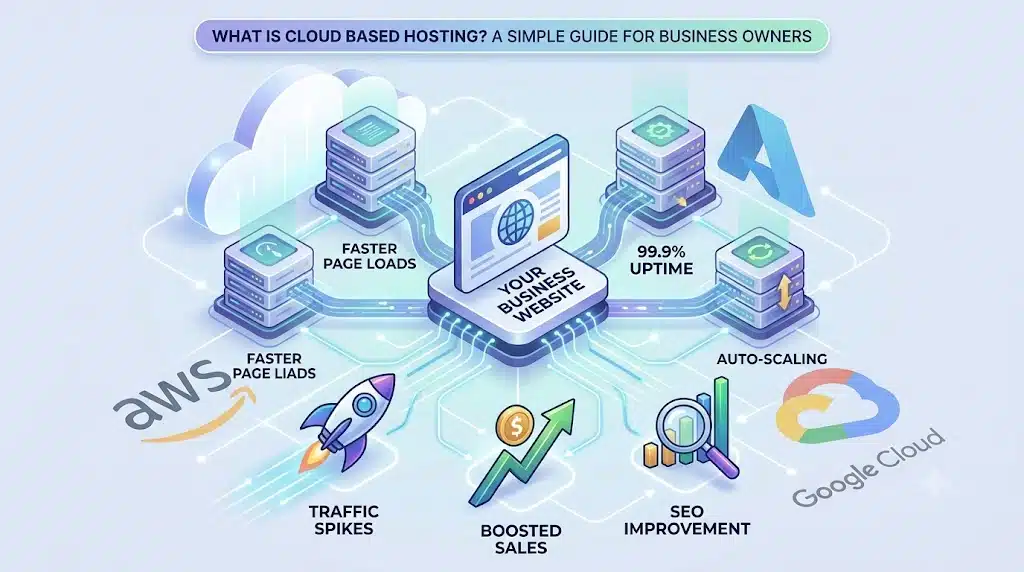
Core Performance Resources
- 4 dedicated CPU cores — exclusively yours, not competing with neighbouring accounts during your peak traffic hours
- 6 GB dedicated RAM — the extra 2 GB over Cloud Startup becomes meaningful when 200,000+ monthly visitors are generating concurrent database queries
- 200 GB NVMe SSD storage — fast enough for large product catalogs, media libraries, and high-frequency database writes under real traffic load
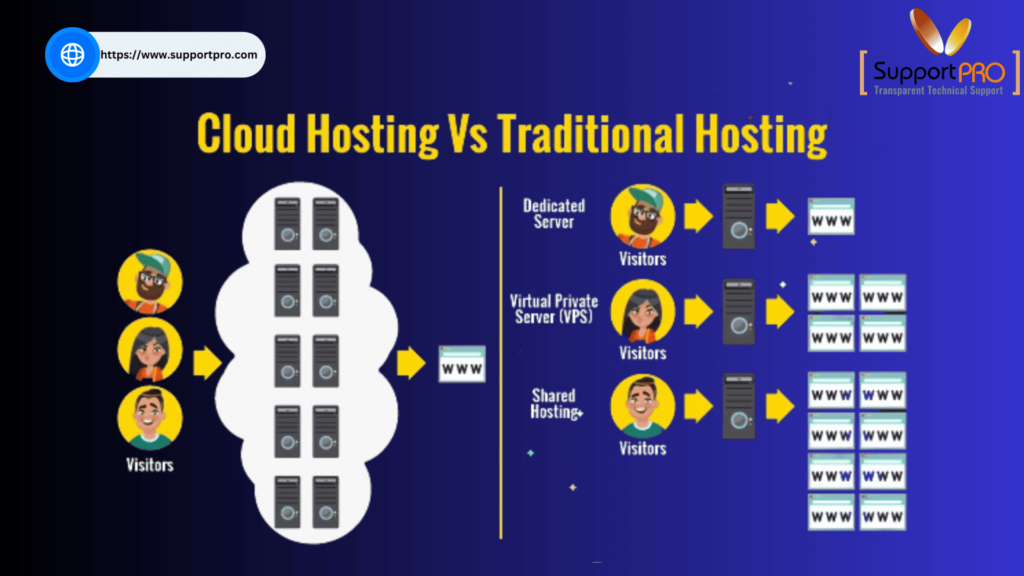
- Full resource isolation — a traffic spike on any other account on the infrastructure has zero effect on your allocation
High-Traffic Performance Tools Included
- Object Cache — eliminates repeated database queries by storing results temporarily; critical for maintaining fast response times when hundreds of visitors are active simultaneously
- Built-in CDN — serves cached static content from global edge servers, reducing server load and improving load times for visitors in any region
- LiteSpeed web servers — Hostinger’s infrastructure consistently outperforms Apache-based setups in independent load testing, particularly relevant when handling concurrent request spikes
- WordPress staging environment — lets you test updates and configuration changes without touching the live site during peak traffic periods
Data Protection at Scale
- Daily automatic backups — a high-traffic site generates more data per day than a low-traffic one; daily backups mean you’re never more than 24 hours from a clean restore
- On-demand backup capability — create a manual snapshot before deploying updates to a live, high-traffic site
- Dedicated IP address — separates your email reputation from shared infrastructure; essential for transactional emails at scale
Pricing: What You Pay for This Traffic Capacity
| Billing Term | Monthly Rate | Total Upfront |
|---|---|---|
| 48 months | $15.99/mo | ~$767.52 |
| 24 months | ~$18.99/mo | ~$455.76 |
| 12 months | ~$21.99–$24.99/mo | ~$263–$299 |
Seasonal promotions may apply — check the current live Cloud Professional price before checkout for any active discount.
For context: comparable managed cloud hosting at SiteGround (Jump Start) starts at $100/month with similar RAM but less storage and no free domain. Kinsta’s managed WordPress plans start at $25–$35/month with a 20,000 monthly visit limit. Cloud Professional at $15.99/month on the long-term rate, with 200 GB NVMe and no visit caps, is priced competitively for the traffic tier it serves.
What High-Traffic Websites Actually Break Under Cheaper Hosting
Understanding failure modes helps clarify exactly what Cloud Professional prevents:
- “Error Establishing Database Connection” — appears when shared RAM is exhausted by concurrent database queries. Cloud Professional’s 6 GB dedicated RAM and Object Cache specifically address this
- PHP worker exhaustion — when more visitors arrive simultaneously than available PHP workers, requests queue or fail. Cloud Professional’s dedicated resources prevent this from being a shared-server problem
- Checkout slowdowns during sales events — WooCommerce checkout is database-intensive; traffic spikes during sales campaigns expose RAM limits on lower tiers. The 6 GB dedicated allocation provides headroom for sustained checkout load
- Admin panel timeouts — managing a high-traffic site’s backend (orders, content, user management) while the site is actively serving visitors is RAM-intensive. Dedicated resources mean both happen without competing
Cloud Startup vs Cloud Professional for High-Traffic Sites
| Metric | Cloud Startup | Cloud Professional |
|---|---|---|
| RAM | 4 GB | 6 GB (+50%) |
| NVMe Storage | 100 GB | 200 GB (2×) |
| Traffic Capacity | ~100,000–200,000/mo | 200,000+/mo |
| WooCommerce Scale | Standard | Up to 1,000 products |
| Backups | Daily automatic | Daily + on-demand |
| Starting Price | $7.99/mo | $15.99/mo |
If your traffic sits comfortably within Cloud Startup’s capacity and your WooCommerce catalog is well under 1,000 products, Cloud Startup remains the more cost-effective choice. Once you’re consistently at or above that ceiling — or experiencing the failure modes listed above — Cloud Professional is the correctly-sized next tier.
Who High-Traffic Sites Typically Are
- Established blogs and content sites with 200,000+ monthly visitors, multiple authors, and heavy media libraries
- WooCommerce stores with large catalogs (500–1,000 products) and regular high-volume sales periods
- Membership and online course platforms with hundreds of concurrent authenticated users accessing resources
- News and media sites publishing frequently with high concurrent reader volume
- Multi-site agencies managing several high-traffic client sites under one account
Pros and Cons of Cloud Professional for High-Traffic Use
Pros
- 6 GB dedicated RAM is purpose-built for 200,000+ monthly visit workloads
- Object Cache directly addresses the database query load high-traffic sites generate
- On-demand backups protect a high-traffic site before any update to the live environment
- Fully managed — server maintenance doesn’t compete with site management as traffic scales
- Competitively priced against comparable managed cloud alternatives
- 30-day money-back guarantee
Cons
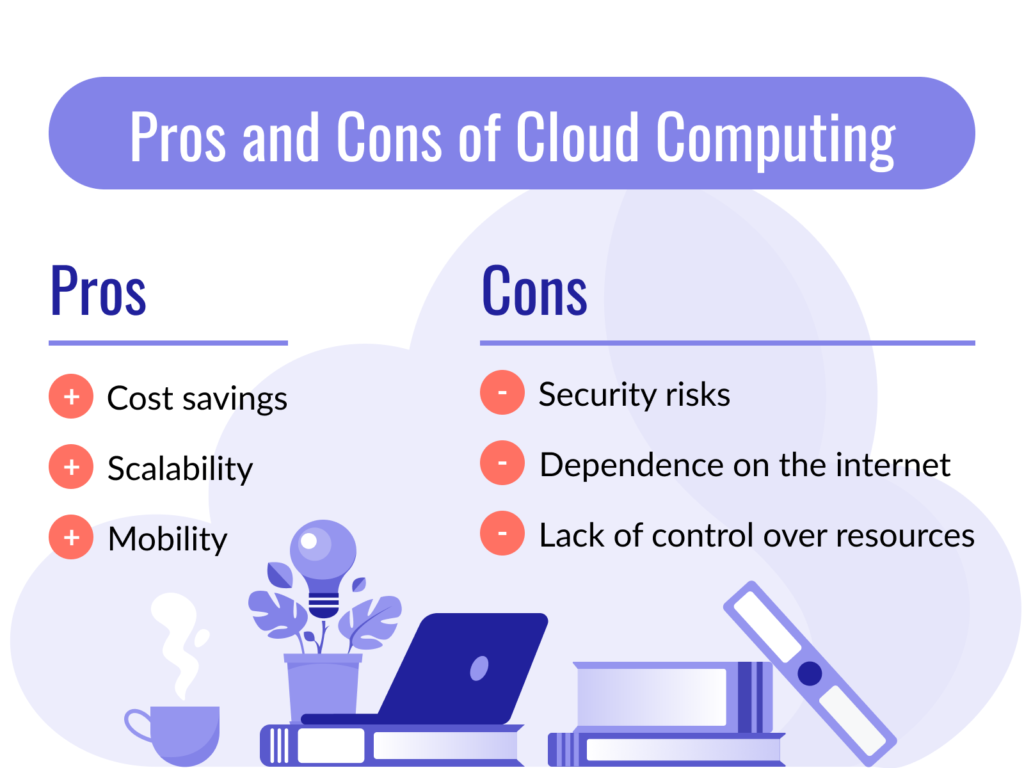
- CPU core count (4) is the same as Cloud Startup — very high concurrency may eventually need Cloud Enterprise’s 6 cores
- No phone support — chat-based only
- Renewal pricing increases after the promotional term
- Largest upfront cost on the 48-month term
How to Get Started With Cloud Professional Hosting
- Open the Cloud Professional plan page and select your billing term — the 48-month rate offers the lowest effective monthly cost for established high-traffic sites
- If migrating from another host or lower Hostinger tier, request the free no-downtime migration service — your site stays live throughout the move
- Enable Object Cache and the built-in CDN immediately after setup for an instant performance improvement under live traffic
- Create an on-demand backup snapshot before making any configuration changes to a live high-traffic site
- Set up the WordPress staging environment to test plugin updates away from the live site during peak traffic hours
How much traffic can Cloud Professional actually handle?
Hostinger positions Cloud Professional for sites exceeding 200,000 monthly visits. The 6 GB dedicated RAM, 4 CPU cores, and Object Cache work together to maintain performance at this traffic level — though actual capacity depends on your specific site’s resource usage per visitor.
What’s the first sign a site has outgrown Cloud Startup?
Database connection errors during traffic spikes, PHP worker exhaustion, and checkout slowdowns during sales events are the clearest indicators. These are specifically the failure modes Cloud Professional’s extra RAM and on-demand backup capability address.
Does Cloud Professional cap monthly visits?
Hostinger doesn’t impose hard monthly visit caps on Cloud Professional — unlike some managed WordPress hosts that strictly limit visits per plan. Performance is primarily limited by the dedicated resource allocation rather than a visit counter.
Is Cloud Professional better than Cloud Enterprise for most high-traffic sites?
For most sites in the 200,000–500,000 monthly visit range, Cloud Professional is the right fit. Cloud Enterprise adds 2 more CPU cores and doubles the RAM to 12 GB — worth it for sites with very high concurrent user counts rather than just high monthly visit totals.
Can I migrate a high-traffic site to Cloud Professional without downtime?
Yes. Hostinger provides free, no-downtime migration for Cloud Professional customers — your live site remains accessible throughout the migration process.
Final Verdict: Is Cloud Professional the Right Tier for Your High-Traffic Site?
For websites that have genuinely crossed into the 200,000+ monthly visit range — or are approaching it with database errors, checkout slowdowns, or RAM pressure already appearing — Hostinger Cloud Professional hosting is built for exactly this workload. The 6 GB dedicated RAM, Object Cache, 200 GB NVMe storage, and on-demand backups aren’t spec padding — they’re the specific resources that differentiate sustainable performance at scale from a site that works fine until it doesn’t.
If your traffic is already there or the trajectory is clear, this is the right tier to move to before the ceiling becomes a crisis rather than after. Check Hostinger’s current Cloud Professional pricing here and see whether the upgrade makes sense for where your traffic is heading.
You can also read: Hostinger Cloud Startup Pricing Review: Is It Worth Upgrading from Premium Hosting?