When you’re comparing Hostinger’s Premium plan ($36/year) with its Business plan ($54/year), the $18 difference looks small on a spreadsheet. But understanding what that $18 actually buys — and whether your website genuinely needs it — requires looking honestly at the one feature that defines the gap more than any other: daily backups. This review answers the question in the title directly, Hostinger Business hosting review, without padding it out with features that aren’t the actual deciding factor.
What the $54/Year Price Actually Represents
Hostinger Business hosting on the 12-month billing term runs at approximately $4.49/month — totalling $53.88 for the full year, which rounds to $54.
Compared to Premium’s $2.99/month ($35.88/year), the difference works out to exactly $1.50 per month, or $18 per year.
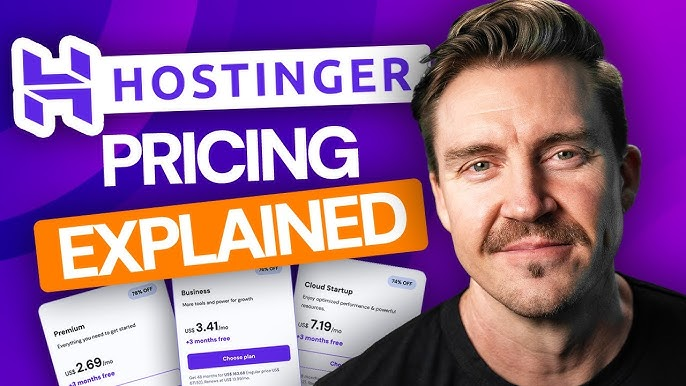
Seasonal promotions may shift these rates — check the current live Business hosting price before checkout since you may find a lower active rate.
That $18 buys you several upgrades over Premium, but daily backups is the most operationally significant one. The others — NVMe storage instead of standard SSD, a free CDN, double the CPU allocation, 50 websites instead of 3 — are meaningful, but they’re performance improvements. Daily backups are a safety net. The question is whether your site needs a safety net that refreshes every 24 hours rather than every 7 days.
The Core Question: What Does a Weekly Backup Actually Risk?
Most people think about backups in abstract terms — “good to have.” The concrete version of the risk is more useful. On Hostinger’s Premium plan, backups run weekly. Consider what that means in practice for different website types:
| Website Type | Typical Activity in 7 Days | What You Lose With a Weekly Backup Gap |
|---|---|---|
| Personal blog (1 post/week) | 1 published post, a few comments | One post and its comments — recoverable by rewriting |
| Business site (contact forms) | 5–50 enquiry form submissions | Up to 6 days of leads — potentially unrecoverable |
| Small WooCommerce store | 7–70+ orders depending on volume | Days of order history, customer data — significant loss |
| Content site (daily publishing) | 5–7 new articles | Up to a week of published content — significant rewrite needed |
| Booking or appointment site | Multiple bookings per day | Days of confirmed bookings — potential customer conflict |
A personal blog that posts once a week and doesn’t generate leads or revenue could survive a worst-case weekly backup scenario reasonably well. A business site generating daily enquiries, a store processing orders, or a booking system taking appointments cannot afford to lose six days of records. For those use cases, daily backups aren’t a luxury upgrade — they’re the minimum responsible protection.
Full Specification Comparison: Premium vs Business Hosting
| Feature | Premium (~$36/yr) | Business (~$54/yr) |
|---|---|---|
| CPU Cores | 1 (shared) | 2 (shared) |
| RAM | 2 GB | 3 GB |
| Storage | 20 GB SSD | 50 GB NVMe |
| PHP Workers | 40 | 60 |
| Backups | Weekly automatic | Daily automatic |
| Free CDN | No | Yes |
| Websites Hosted | Up to 3 | Up to 50 |
| Email Mailboxes | 2 per site (yr 1) | 5 per site (yr 1) |
| Free Domain | Yes (1 year) | Yes (1 year) |
| Free SSL | Unlimited | Unlimited |
What the $18 Difference Actually Buys Beyond Backups
While backups are the defining upgrade, the $18 annual difference between Premium and Hostinger Business hosting also buys several performance improvements that matter as a site grows:
- NVMe storage instead of standard SSD — faster database queries, quicker admin operations, more responsive dynamic content
- Double the CPU cores (2 vs 1) and 50% more RAM (3 GB vs 2 GB) — meaningful for sites running multiple plugins or experiencing growing traffic
- 60 PHP workers instead of 40 — 50% more simultaneous visitor capacity before performance degrades
- Free CDN — reduces load times for visitors regardless of location, which directly affects Google’s Core Web Vitals ranking signals
- 50 websites vs 3 — relevant for agencies, freelancers, or businesses managing multiple projects
- 5 email mailboxes per site vs 2 — more professional addresses for team use
The Honest Answer: When $54/Year Is Worth It and When It Isn’t
Worth paying the extra $18 when:
- Your site generates daily leads, enquiries, or bookings that would be lost in a weekly backup gap
- You run a WooCommerce store processing regular orders
- You publish content daily and couldn’t afford to rewrite a week’s worth
- You need more than 2 email addresses per site for your team
- You’re managing more than 3 websites and need the 50-site capacity
- Your site is growing and the CDN and additional CPU will be felt by visitors
Premium is sufficient when:
- You’re running a personal blog or portfolio with infrequent updates
- Your site is in early testing phase with minimal real traffic or customer activity
- You’re a solo developer with 1–3 sites and no daily data generation that can’t be reconstructed
- Budget is the primary constraint and you understand the weekly backup limitation
Performance: Does Business Hosting Actually Feel Faster?
The NVMe storage upgrade alone is noticeable if you’re managing content regularly — page generation times, admin dashboard responsiveness, and database-heavy operations like WooCommerce catalog loading are all meaningfully faster on NVMe than standard SATA SSD. The free CDN adds another layer, reducing what visitors experience regardless of where they’re browsing from.
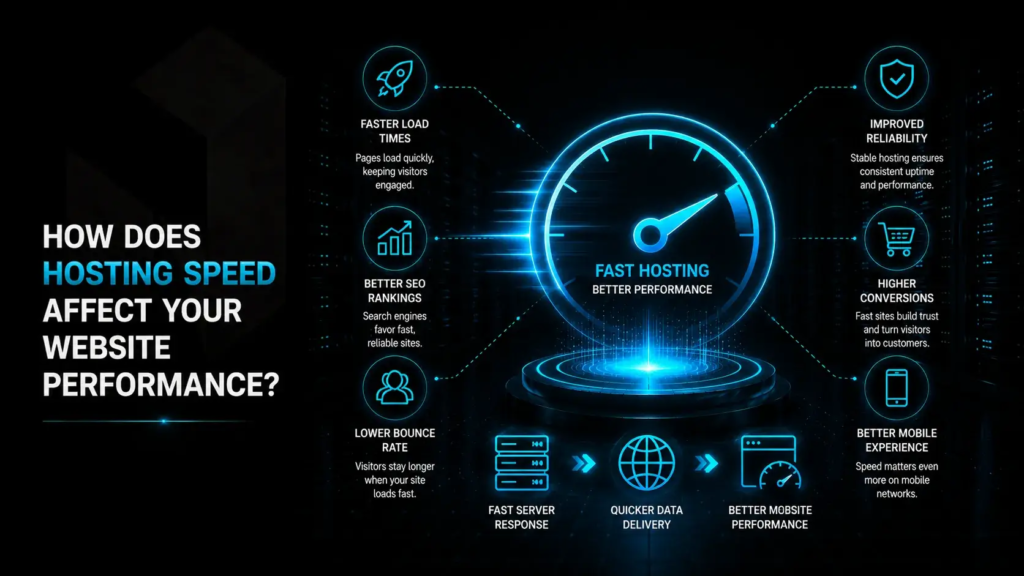
For a site transitioning from a personal project to a genuine business presence, Hostinger Business hosting provides infrastructure that holds up through that transition without requiring an immediate jump to cloud hosting.
Pros and Cons of Hostinger Business Hosting
Pros of Hostinger Business Hosting
- Daily backups reduce maximum data loss window from 6 days to under 24 hours
- NVMe storage delivers measurably faster site operations vs standard SSD
- Free CDN improves performance for globally distributed audiences
- Supports up to 50 websites — consolidation advantage for agencies and multi-project owners
- 30-day money-back guarantee
Cons
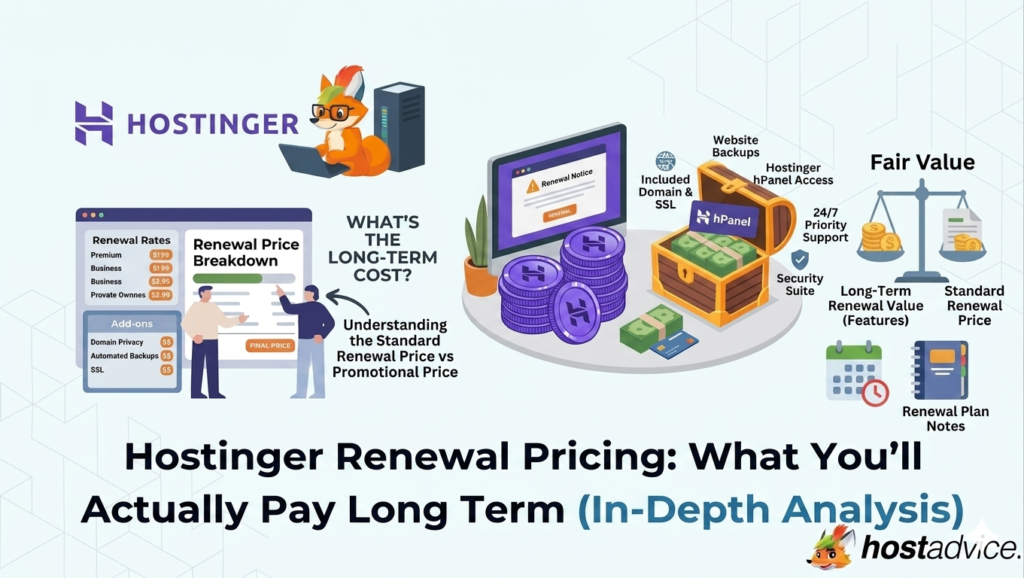
- Renewal jumps to $16.99/month — considerably higher than the promotional entry rate
- No dedicated IP address — that’s a Cloud hosting tier feature only
- No phone support — chat-based only
- Still shared hosting infrastructure — very high-traffic sites will eventually need Cloud Startup
Frequently Asked Questions
Is $54/year genuinely worth it just for daily backups?
For a site with daily customer activity — leads, orders, bookings, or regular content publishing — yes. The cost of losing 6 days of data far exceeds the $18 annual price difference for most business scenarios. For a personal blog or low-activity site, the Premium plan’s weekly backups are likely adequate.
Can I manually back up my site on the Premium plan instead?
Yes — you can manually export WordPress databases and files at any time, regardless of plan. But manual backups require remembering to do them and actually doing them consistently, which most site owners don’t maintain reliably. Automatic daily backups remove the human failure point entirely.
What happens to my backups at renewal?
Daily backups continue for the life of your Business plan, including through renewal periods, as long as you remain on the Business tier or higher.
Does Business hosting include a free domain and SSL like Premium?
Yes. Both plans include a free domain for the first year and unlimited free SSL certificates permanently. These features are identical across both tiers.
How do I upgrade from Premium to Business if I’m already hosting with Hostinger?
Through hPanel — you’ll see an upgrade option in your plan management section. Hostinger calculates prorated billing for your remaining Premium term, and your site stays live throughout the upgrade process.
Final Verdict: Is $54/Year Worth It?
For a business website, the answer is almost always yes. Hostinger Business hosting at $54/year provides daily backup protection, NVMe storage, a free CDN, and double the CPU resources for $1.50 more per month than the entry plan. If your site generates any form of daily customer data — enquiries, orders, appointments, or content — the $18 annual difference is the cheapest insurance policy available for what you’ve built.
For a personal blog or portfolio with infrequent updates and no customer data, Premium is a perfectly capable, more affordable choice. But the moment your site becomes part of how your business operates, Business hosting is the tier that takes that responsibility seriously. Check Hostinger’s current Business plan pricing here and make the call based on what your site actually does every day.
You can also read: Hostinger Premium Hosting at $36/Year: Everything You Need to Know Before Buying.